Local · MIT · v1.0
A gallery your AI agent curates for you, version after version.
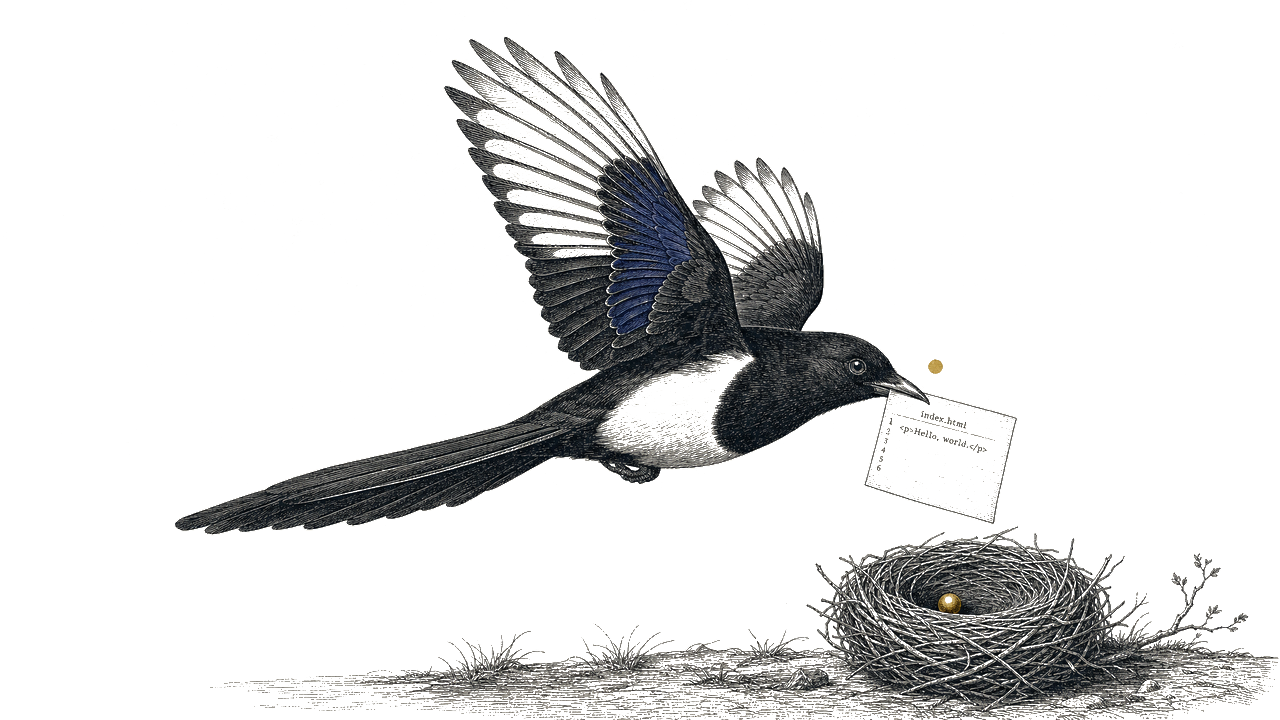
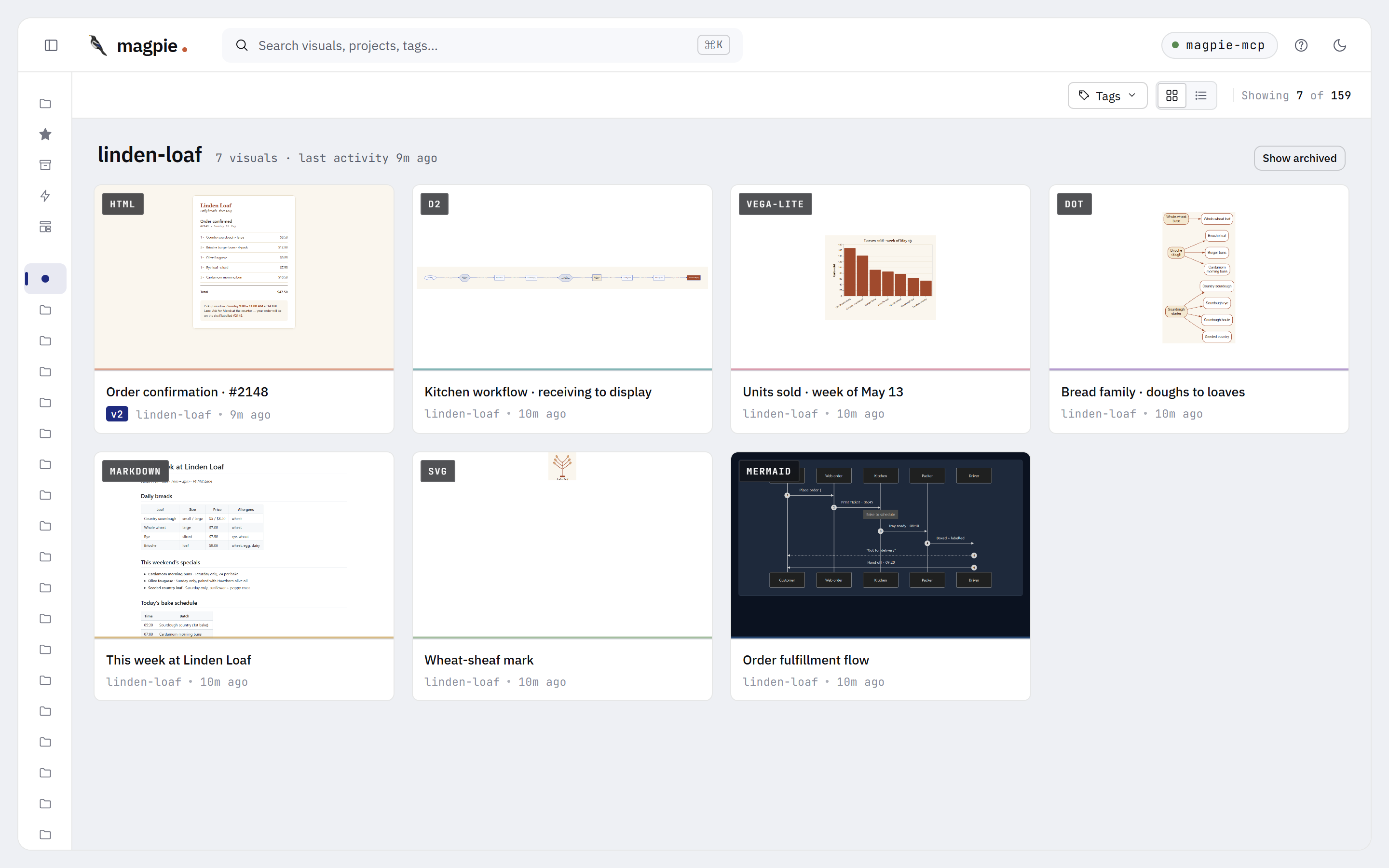
Your LLM gives you chat history. Magpie gives you a local library for every non-code thing it makes — mockups, diagrams, charts, status reports, plans. Offline. Yours.
What it is
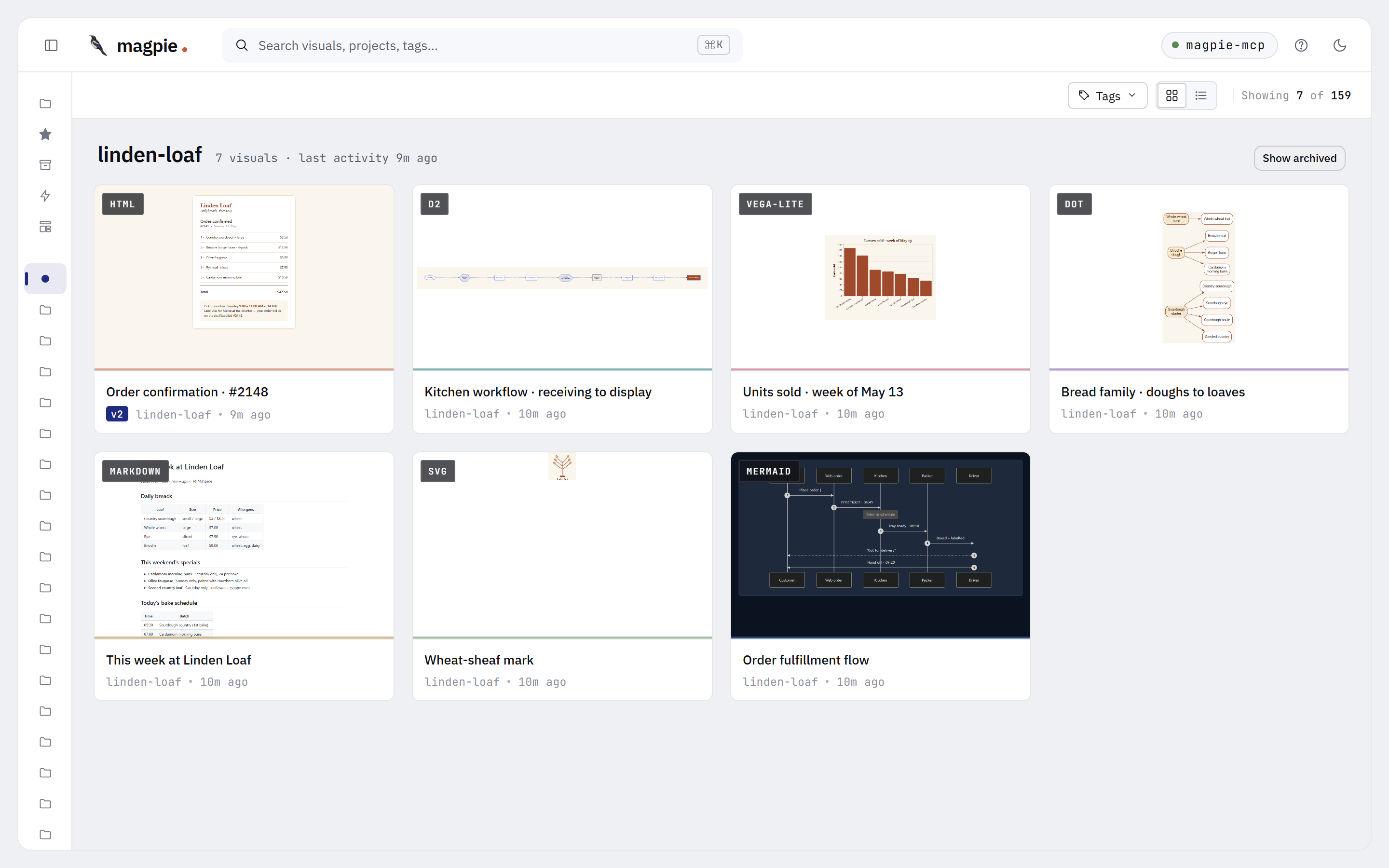
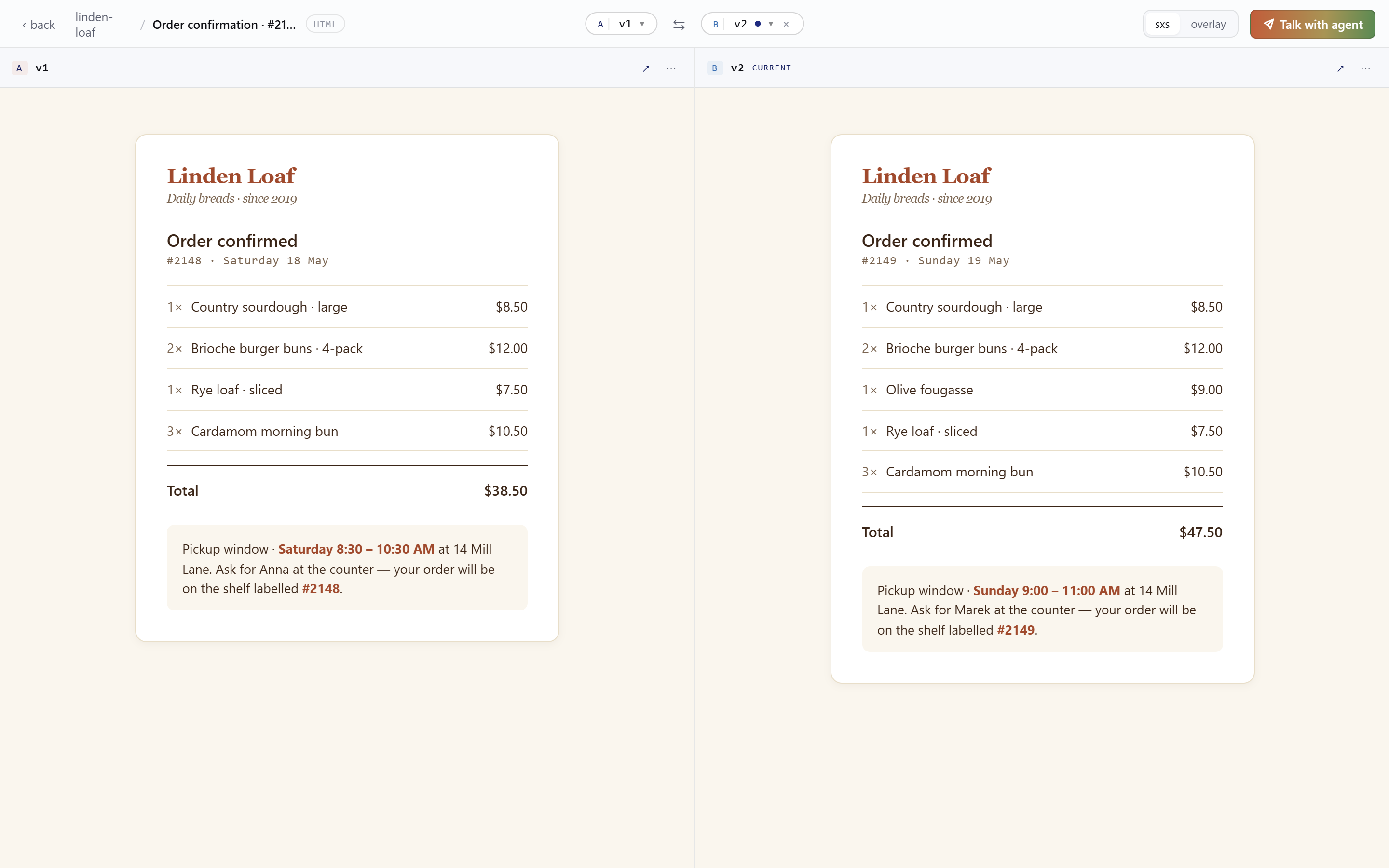
Magpie is a local dashboard plus an embedded MCP server. Your AI coding agent (Cursor, Cline, or any MCP host) writes the visuals; Magpie files them by project, tags them, versions them, lets you compare any two side-by-side. No LLM lives in the server. No cloud. No accounts.
It is
A library for the visuals your AI agent makes. Like Eagle or PureRef, but your AI fills the nest through MCP.
It isn't
A generator. The server has no model. Your AI agent does the drawing.
It isn't
A whiteboard. No infinite canvas, no drawing tools, no real-time collaboration.
Three actors
You are the reader they all serve. Magpie is the bird; the Nest is your disk; the Master is the skill your AI gets.

trainer
Teaches your AI Magpie's rules.
A portable Agent Skill bundled in the npm tarball — pure judgment, no code.

trained bird
Tends the nest, version after version.
Your AI with the Master loaded. Brings visuals to the Nest, arranges by project, keeps versions in order.

dumb infra
Local. Quiet. Yours.
One SQLite file. One blobs folder. Lives at ~/.magpie/ on your disk. No LLM. No telemetry.
Master trains·Magpie tends·Nest keeps.
Format coverage
All renderable, all comparable side-by-side, all offline.
UI mockups, dashboards, landing pages — sandboxed iframe.
Flowcharts, sequence, state, ER, gantt — bundled v11.
Icons, logos, single vector elements — sanitized inline.
Prose, READMEs, design notes — marked + DOMPurify.
Directed and undirected graphs via WASM Graphviz.
Bar, line, scatter, area charts — inline data only.
Modern diagram-as-code with dagre or elk layouts.
In the dashboard
Boots in seconds. Opens a browser tab. Auto-bumps to a free port if 3737 is taken.


Three ways
Same goal — get the bird flying with context loaded. Pick the channel that fits how you work.
Pillar 1 · Async
Push a templated prompt to a server-managed queue. Your AI picks it up via magpie://inbox when it's ready. No timing dance.
Pillar 2 · Reusable
Design a prompt once with typed variables and visual references. 10 built-ins ship; scope your own to a project or visual.
Pillar 3 · Direct
Same templates surface as slash commands in your AI host (/magpie:iterate). User-fired — no clipboard, no queue.
Quick start
npx to your first visual.No accounts. No API keys. No build step.
Run npx magpie-mcp · prints a dashboard URL · opens automatically.
npx magpie-mcp --install-skill · drops the skill into Claude Code / Claude Desktop.
npx magpie-mcp --print-config · paste the snippet into your MCP host config, restart.
"Mock a settings page" · the visual lands in the dashboard within a second.
v1.0 · MIT, offline, no telemetry — forever.